

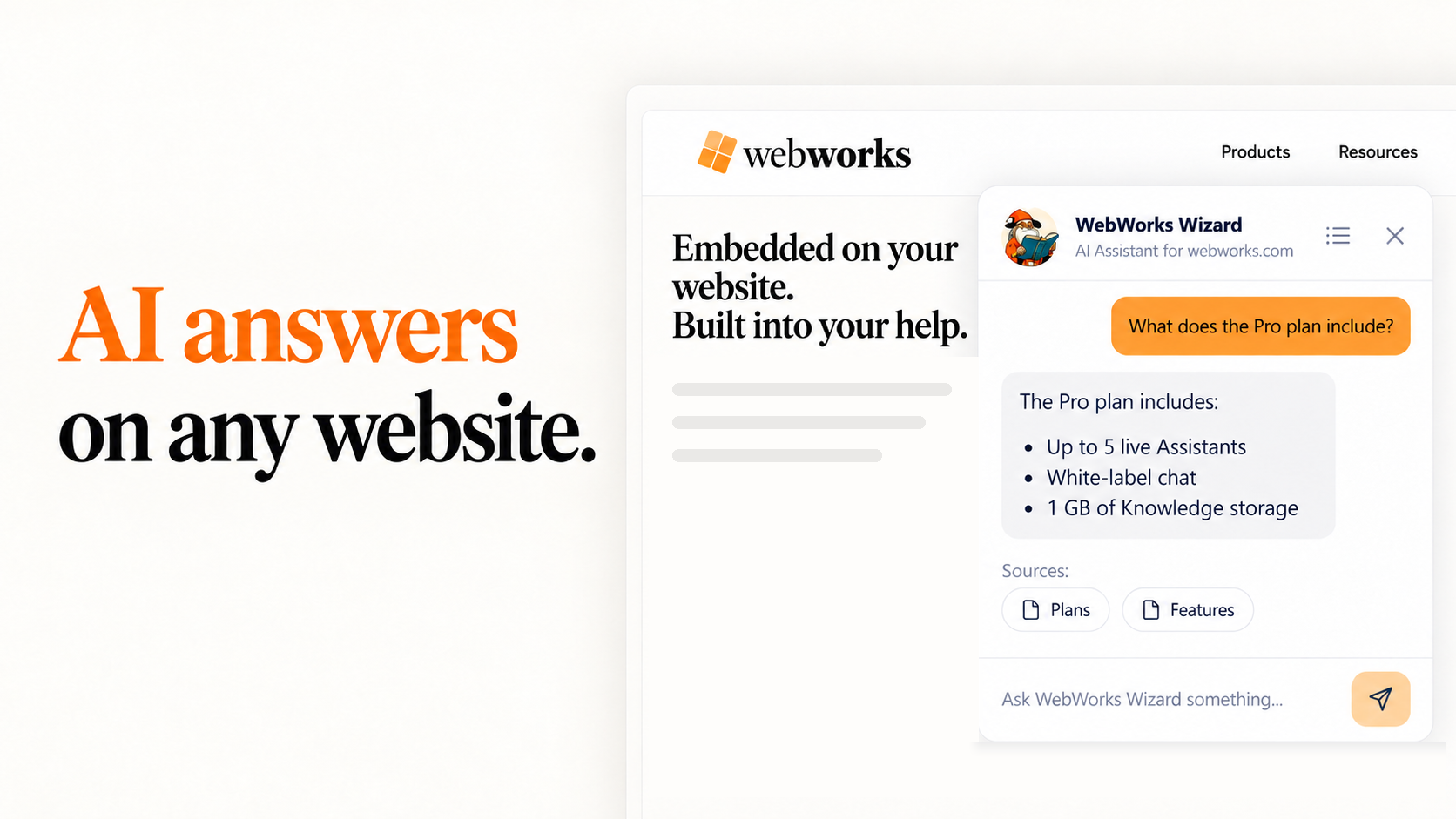
Introducing the WebWorks Embedded Assistant: AI Answers on Any Website
The WebWorks Embedded Assistant adds AI answers to any website with one line of script, drawing on your own pages and listing the sources behind every answer.

Erin West
Sales and Business Development Manager
Your website contains information customers need to evaluate your products, understand their options, and get support. Finding the right information can still take time, especially when visitors aren’t sure what to search for.
The new WebWorks Embedded Assistant gives visitors a direct way to ask questions and find answers from your content. With one line of script, you can add it to any website. No ePublisher installation is required.
Available through WebWorks Platform, the Embedded Assistant helps visitors explore product information, compare plans, and locate support resources, right from the page they’re viewing.
Put Your Website Content to Work
A prospective customer may want to know whether a product supports their workflow. An existing customer may be looking for a support article or clarification about a feature.
The Embedded Assistant draws from your imported website pages and any files you upload to answer those questions. It also considers the page the visitor is viewing, giving questions such as “What does this plan include?” useful context.
Each answer includes a Sources section listing the pages it used, so visitors can review the information and explore further. Links point only to pages WebWorks Platform has seen, including imported pages, links in uploaded files, and the visitor’s current page.
You can see it in action here on webworks.com. Open the Assistant in the corner of this page, or visit the AI Assistant page, and ask about a product, a plan, or where to find something.
Add It to the Website You Already Have
Setup begins in WebWorks Platform. Create an Assistant, add your website’s address, and add the domain where it will appear to the Assistant’s Origin Domains. Platform uses your sitemap to discover and import your pages.
Then add one line of script to your website:
<script async src="https://platform.webworks.com/embed/v1/loader.js" data-assistant="your-assistant-id"></script>
Place it in your site’s shared layout to make the Assistant available across the pages that use that layout.
You can customize the colors and welcome message to suit your site and test answers in Preview before making the Assistant available to visitors. Each Assistant can include up to ten websites, allowing you to bring information from your marketing site, support site, and other resources together.
The imported website content remains a snapshot until its weekly refresh. If you update a page and want the Assistant to use the revised information sooner, select Refresh in Platform.
Embedded Assistant and Reverb Assistant: Different Roles, Shared Platform
The Embedded Assistant joins the Reverb Assistant on WebWorks Platform. Each serves a different part of the customer experience.
The Embedded Assistant helps visitors explore your website. It answers broad questions about products, pricing, sales, and support using imported website content and uploaded files. Its Sources section points readers to the pages behind an answer. A lightweight, fast model is well suited to these questions and helps keep costs manageable on a busy public website.
The Reverb Assistant helps readers work through your documentation. Built into Reverb 2.0 help, it uses a Knowledge Base generated by ePublisher alongside the published pages. Its citations open the topic at the exact passage supporting an answer. A larger model with more reasoning is suited to detailed procedures, settings, and technical questions.
You can use either independently or offer both. For example, the Embedded Assistant can direct a visitor to a relevant help topic, where the Reverb Assistant is available for more detailed questions.
Each Assistant has its own model and reasoning settings. Both are managed through WebWorks Platform and use the same plans.
Let Customer Questions Guide Your Content
The Embedded Assistant also gives your team insight into what visitors are looking for.
WebWorks Platform’s Top Concepts dashboard ranks the topics people ask about, including questions your content doesn’t yet answer. When the available information doesn’t cover a question, the Assistant says so, and the question still contributes to that view.
Those patterns can help marketing, support, and documentation teams decide what to address next. Repeated questions may reveal a product detail that needs clarification, a resource that is difficult to find, or a topic that deserves its own page.
Try the Embedded Assistant on Your Site
Start free with a $5 credit and no card required. Import your website, configure your Embedded Assistant, and test it in Preview before deployment. Preview shows the sources of each answer and what it would cost once deployed, helping you evaluate the experience before visitors use it.
Whether you use ePublisher or manage your website with other tools, you can give customers a new way to find and use your content.